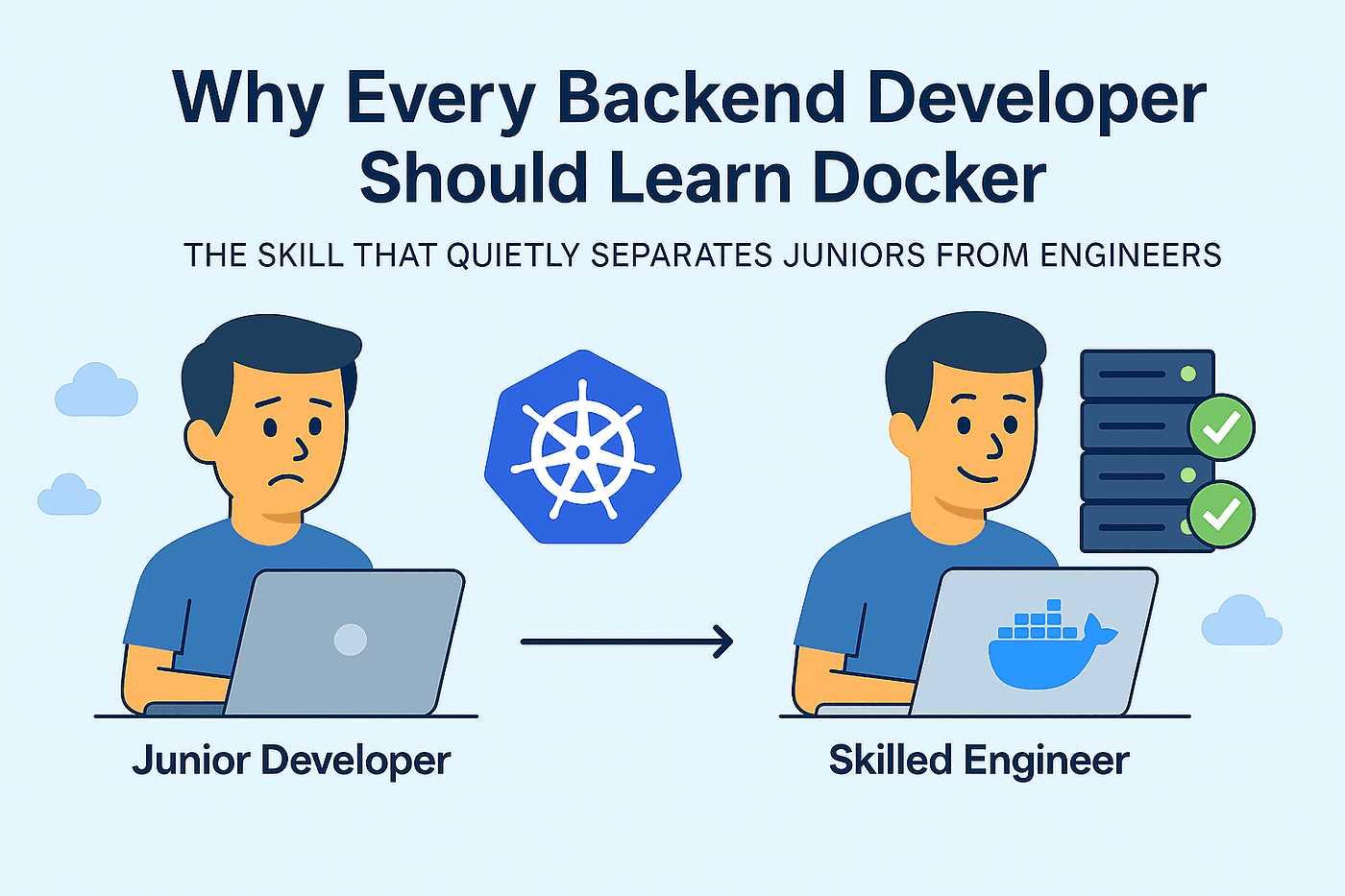
The Big Question
Let us ask you something directly.
You have seen Docker in job descriptions. Your team members mention containers. You have heard that it solves the "works on my machine" problem. But you are not sure if learning Docker is worth your time or how it fits into your development workflow.
We hear these questions every week from students and professionals who visit our center near Pitampura Metro.
Here is the honest answer: Docker has become foundational to modern software development. What Git did for version control, Docker has done for environments. It is the bridge between development and production that every team needs. Learning Docker opens doors to roles in backend development, DevOps, cloud engineering, and beyond.
Step 3: What Is Docker and Why Does It Exist?
The Simple Definition:
Docker is an open platform for developing, shipping, and running applications. It uses containers—standardized units of software that package code and all its dependencies so the application runs quickly and reliably from one computing environment to another.
The Problem Docker Solves:
For years, software development faced a persistent problem: an application that worked on a developer's laptop often failed in testing or production because of differences in operating systems, library versions, or configuration settings.
Docker solves this by containerizing the application and its entire runtime environment. What Git did for code—tracking changes and enabling collaboration—Docker does for environments: it makes them portable, versioned, and shareable.
Container vs Virtual Machine:
The key difference is that containers share the host operating system kernel, making them lightweight and fast. Virtual machines include a full operating system, making them resource-heavy. Containers start in seconds, consume megabytes of disk space, and achieve near-native performance. In comparison, virtual machines take minutes to start and require gigabytes of storage.
Step 4: Why Docker Matters for Developers
1. Eliminates "It Works on My Machine"
This is the problem that made Docker famous. Docker ensures that applications run identically across development, testing, and production environments. A developer can build locally, and the same container will work on a teammate's machine, on the CI server, and in production.
As one Docker expert put it: "Containers include all the dependencies the application requires, decoupling the application from the host. No more 'it works on my machine'".
2. Streamlines Developer Onboarding
Setting up a new development environment for a complex project used to take half a day or more—installing databases, runtime environments, libraries, and configuration files. With Docker, a new team member can run a single command and have the entire development environment ready in minutes.
3. Accelerates Development and Deployment
Independent research found that Docker users achieve 50% faster build times. They reclaim 10 to more than 40 hours per developer each month—time that goes directly back into innovation. Enterprises using Docker experience a three-month faster time to market for revenue-generating applications.
4. Simplifies Local Testing of Complex Systems
Docker Compose allows developers to spin up entire application stacks—web server, database, message queue, cache—with one command. This means developers can test integrations locally without installing and configuring each service manually.
5. Builds Cloud-Native Skills
Docker containers are the foundation of modern cloud-native development. Kubernetes, the leading container orchestration platform, runs containers. Docker builds the skills required for Kubernetes, which is now the industry standard for deploying and managing containerized applications at scale.
6. Adds Real Business Value
The financial case for Docker is compelling. Organizations using Docker report that 95% achieve substantial annual savings, with 43% reporting $50,000 to $250,000 in cost reductions from infrastructure efficiency and faster time to market. For enterprises, the direct costs of a security breach can exceed $500 million, making Docker's security features a strong investment.
Step 5: What Docker Does Beyond Containers
Docker has evolved into a suite of products that supports the entire development lifecycle:
-
Docker Desktop – The local development environment for building, testing, and sharing containerized applications
-
Docker Hub – The public registry for sharing container images
-
Docker Build Cloud – Speeds up build pipelines using cloud-based builders
-
Docker Scout – Proactive vulnerability monitoring and security scanning
-
Testcontainers Cloud – Enables reliable integration tests with real dependencies
-
Docker MCP – Supports agentic AI development with Model Context Protocol servers
As one analysis puts it: "Docker has evolved from a containerization suite into a development platform for testing, building, securing, and deploying modern software".
Step 6: How Learning Docker Advances Your Career
It is Everywhere in Job Descriptions
Docker is consistently listed as a required skill in developer, backend, DevOps, and cloud engineering roles. It has become a baseline requirement, especially for cloud-native development.
It is a Prerequisite for Kubernetes
If you want to work with Kubernetes—the industry standard for container orchestration—you need to understand Docker first. Containers are the unit of deployment in Kubernetes.
It Enables Modern CI/CD Workflows
Continuous integration and deployment pipelines rely on containers for consistent testing and deployment environments. Understanding Docker is essential for working with platforms like Jenkins, GitLab CI, and GitHub Actions.
It Supports AI Development
Docker is also being used to streamline AI/ML development. Docker provides tools for building and running AI agents, testing models, and deploying agentic AI applications. 87% of organizations report reduced AI setup time by over 25% with Docker.
Step 7: How to Start Learning Docker
The Scaler Docker roadmap recommends a step-by-step approach:
| Stage | What You Will Learn | Why It Matters |
|---|---|---|
| 1. Understand the basics | What containers are and why Docker exists | You cannot use a tool effectively without understanding what it does |
| 2. Run your first container | Pull images, run containers, read logs | Hands-on experience builds confidence |
| 3. Write Dockerfiles | Package your own applications | This is the core of making applications portable |
| 4. Use volumes and databases | Persistent storage for stateful services | Most real-world applications need data persistence |
| 5. Container networking | Connect containers to each other | Applications rarely run in isolation |
| 6. Docker Compose | Manage multi-container applications | Local development of full stacks becomes simple |
| 7. Production-ready images | Build smaller, secure, tagged images | Deployment to production requires optimized images |
| 8. Docker in CI/CD | Automate build and test pipelines | Deployments become automated and reliable |
Prerequisites:
Before starting Docker, ensure you have a working knowledge of:
-
Basic terminal commands and Linux navigation
-
How ports and HTTP work
-
Environment variables
-
Some experience building an application in any language
You do not need Kubernetes, AWS, CI/CD, or advanced Linux administration before starting Docker.
Step 8: Pro Tips for Learning Docker
Tip 1: Start Simple
Begin with running containers, then progress to building images, and finally to Docker Compose. Do not try to learn everything at once.
Tip 2: Build a Real Project
Containerize a web application you have already built. It is easier to Dockerize something you understand than something abstract.
Tip 3: Use Docker for Local Databases
Instead of installing Postgres, MySQL, or Redis directly on your machine, run them in containers. You can use different versions for different projects without conflicts.
Tip 4: Understand the Image vs Container Distinction
An image is a blueprint. A container is a running instance of that blueprint. This distinction is fundamental to understanding Docker.
Tip 5: Pay Attention to Layer Caching
The order of instructions in a Dockerfile matters because Docker caches layers. Put instructions that change less frequently first—this speeds up builds significantly.
Tip 6: Use .dockerignore
Without a .dockerignore file, your build context will include unnecessary files like node_modules or .env, making images larger and potentially exposing sensitive information.
Tip 7: Start with the Free Docker Tutorial
Docker provides free learning resources, and the Scaler Docker Tutorial covers the basics in a structured way.
Step 9: Frequently Asked Questions
Q1: What is Docker in simple terms?
Docker is a tool that packages applications and their dependencies into containers—standardized units that run the same way on any system. It solves the "works on my machine" problem.
Q2: Do I need Docker for web development?
For modern web development, yes. Docker is widely used to create consistent development environments, run dependencies like databases, and ensure applications work in production.
Q3: Is Docker still relevant with Kubernetes?
Docker is the foundation for Kubernetes and containerized applications. Kubernetes runs the containers you build with Docker. Docker also remains essential for local development and container building.
Q4: Is Docker difficult to learn?
Docker has a learning curve, but it is manageable. Start with basic commands, understand the concepts, and build real projects. You can become productive with Docker in a few weeks.
Q5: What is the difference between a Docker image and a container?
An image is a read-only blueprint that contains the application and its dependencies. A container is a running instance of that image.
Q6: Does Docker support AI development?
Yes. Docker provides tools for building and running AI agents, including support for Model Context Protocol (MCP) servers. 87% of organizations using Docker report reduced AI setup time by over 25%.
Step 10: Final Tagline
"Code Works on Your Machine. Docker Makes It Work Everywhere."
Hashtags:
#Docker #Containers #DevOps #CloudNative #DeveloperProductivity #SoftwareDevelopment #CodingNow #GurukulOfAI
Step 11: A Note on Your Docker Journey
Docker is a cornerstone of modern software development. It is one of the most in-demand skills for developers and DevOps engineers.
The best way to learn Docker is to start using it. Build a simple application, containerize it, and share it with others. As you become comfortable, you can explore more advanced topics like Docker Compose for multi-container applications and integration with Kubernetes.
At Coding Now, we help students build the skills that matter for modern development. Come visit us. Take a free demo class. See what is possible.
Your Docker journey starts now.
Contact Us
Phone: +91 9667708830
Email: info@codingnow.in
Website: https://codingnow.in/
Address:
2nd Floor, Kapil Vihar (Opp. Metro Pillar No.354)
Pitampura, New Delhi – 110034
Backlink to main website: Explore Full Stack and Cloud courses at Coding Now – Gurukul of AI
